




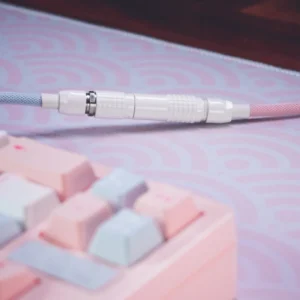
Best seller 2026 - Coiled Keyboard Cables
How to choose a coiled keyboard cable
What a coiled keyboard cable is for
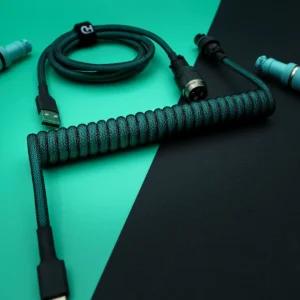
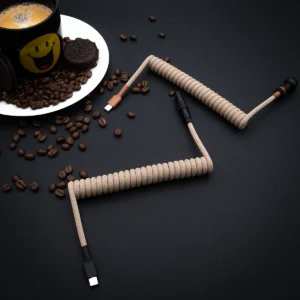
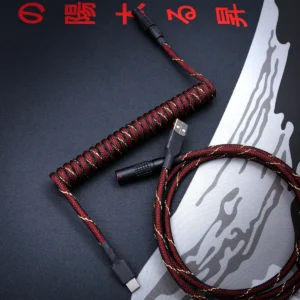
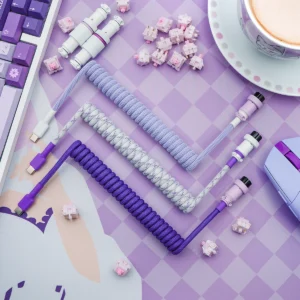
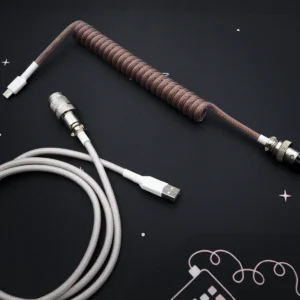
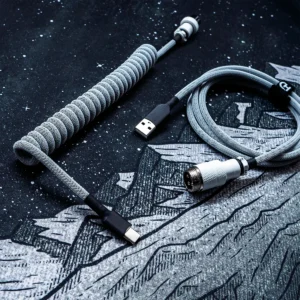
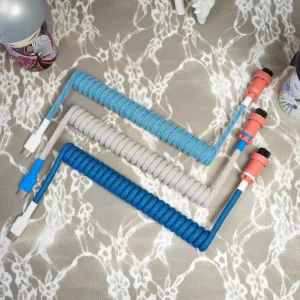
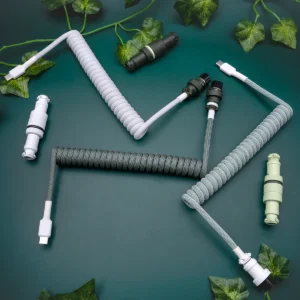
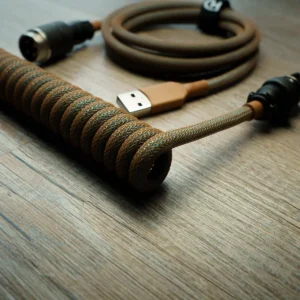
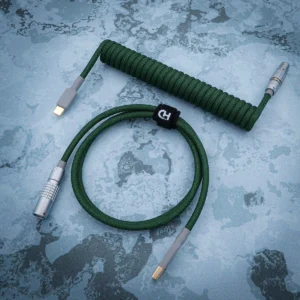
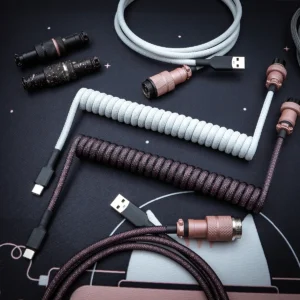
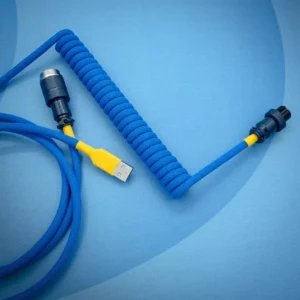
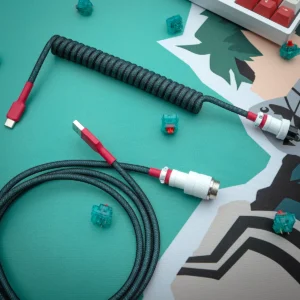
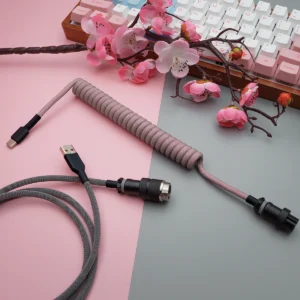
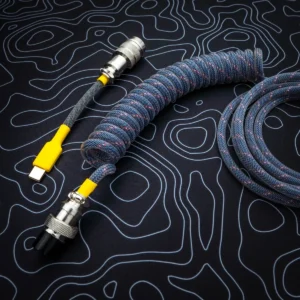
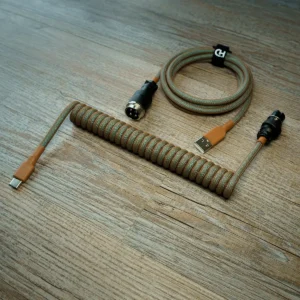
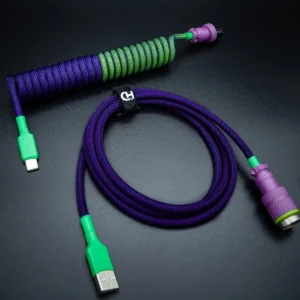
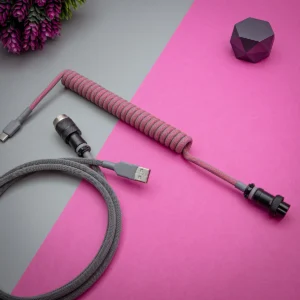
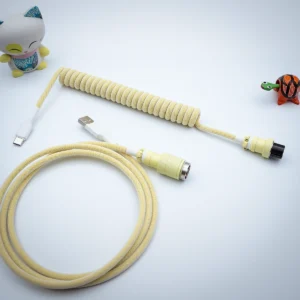
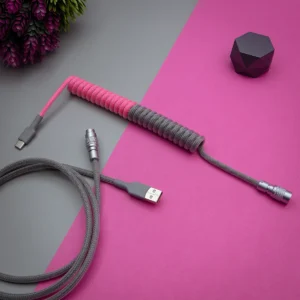
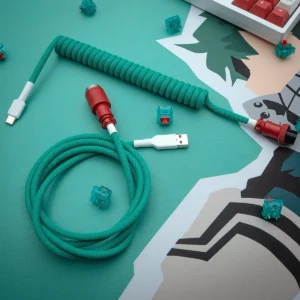
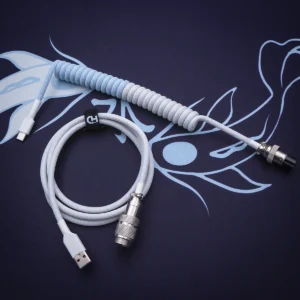
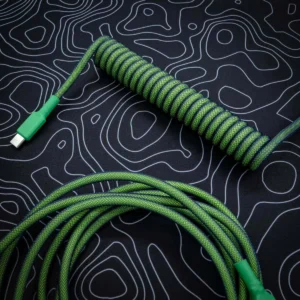
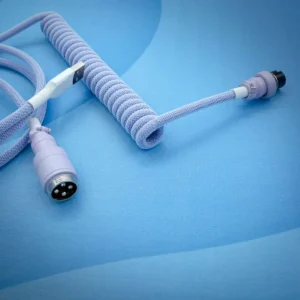
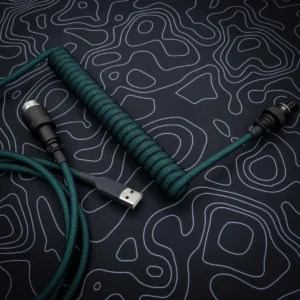
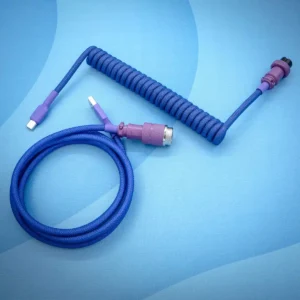
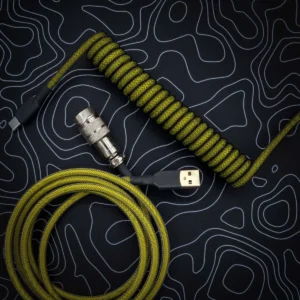
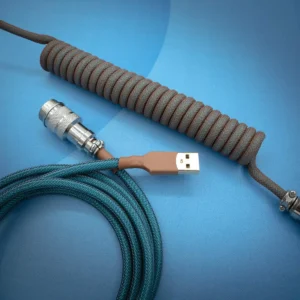
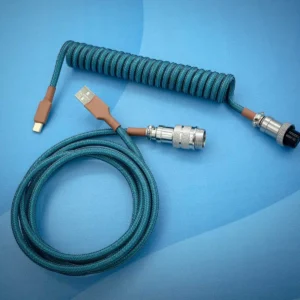
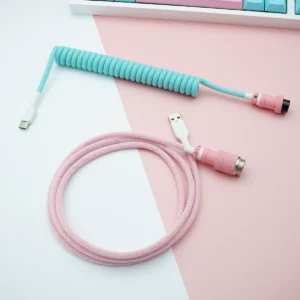
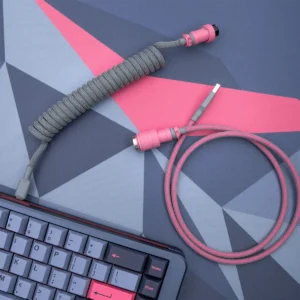
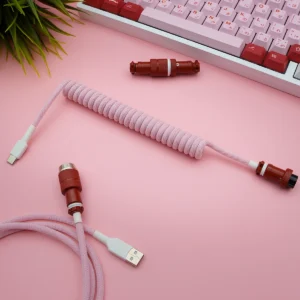
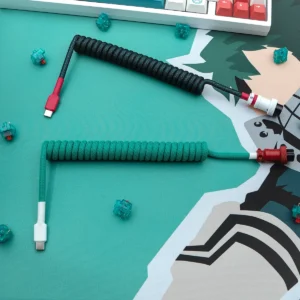
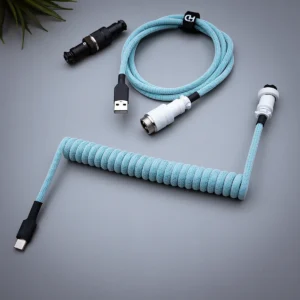
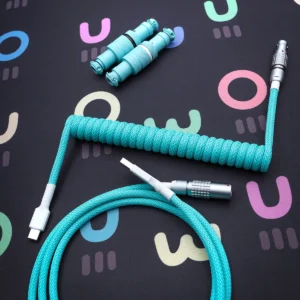
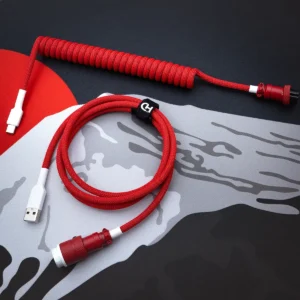
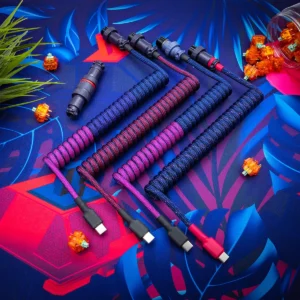
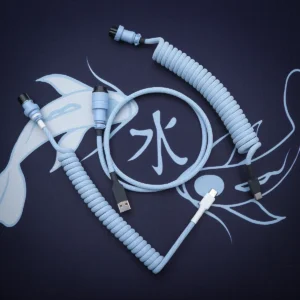
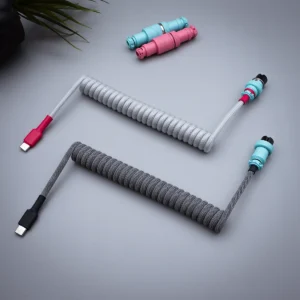
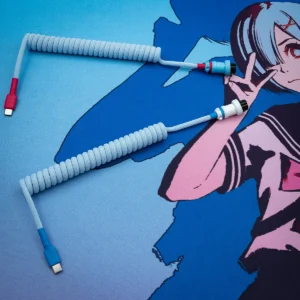
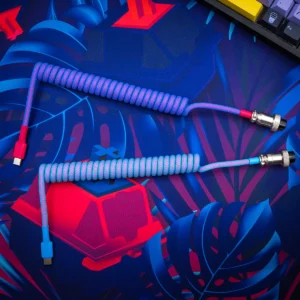
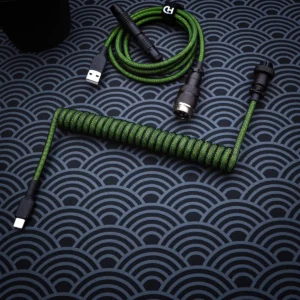
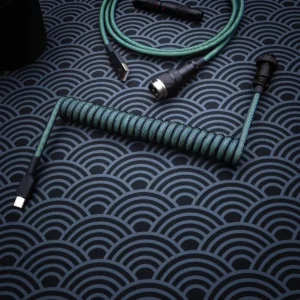
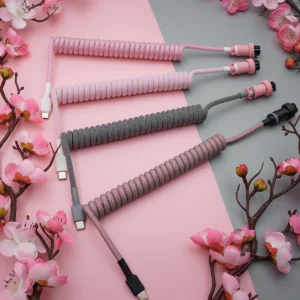
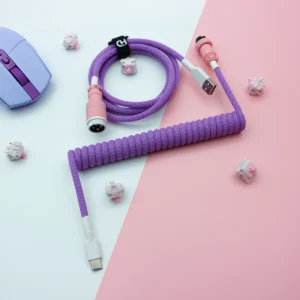
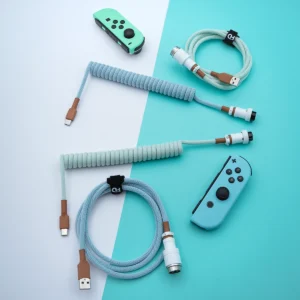
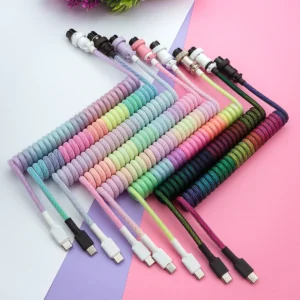
A coiled keyboard cable holds the slack in front of the keyboard in a tight spring and makes the cable part of your setup’s look. It changes nothing in how the keyboard works: inside is a shielded USB 2.0 data cable, so your keyboard types exactly as before. What changes is the desk: the coil, the paracord, the Techflex and the connector can all match your keycaps, and the color chart shows every shade.
Coiled or straight
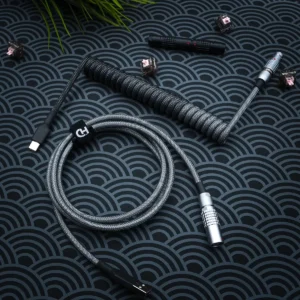
Choose a coil if you want the cable to be seen, a straight cable if you want it to disappear. The coil sits in front of the keyboard and keeps the extra length tidy; a straight cable runs flat to the computer for a minimal desk. Both come in the same colors and both can take a detachable connector: the straight keyboard cable with a detachable connector is my most ordered model, the coiled keyboard cable with a detachable connector its coiled twin.
Coil size and cable length
The coil comes in 10, 15, 17 or 20 cm and in three thicknesses; the cable to the computer in 30 cm, 90 cm, 1.2 m, 1.5 m or 1.8 m. The longer and thicker the coil, the more it stands out. Every coil is heat-set and reverse-coiled so it keeps its shape. For the length, measure from the keyboard to the USB port of your computer and allow a little slack.
Aviator, YC8 or Lemo-like connector
What the aviator connector does
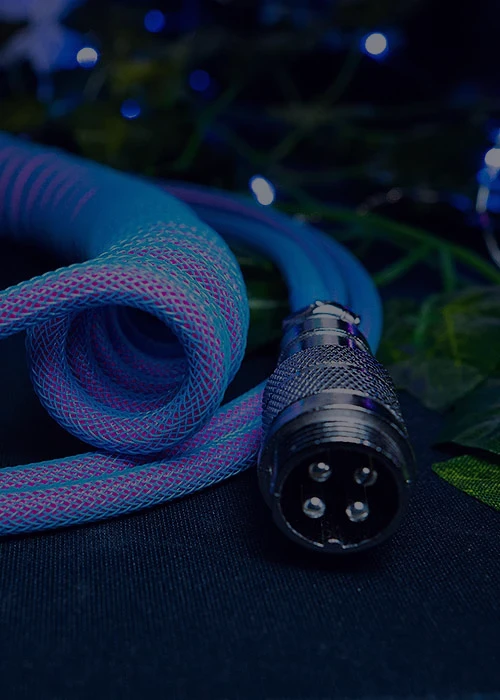
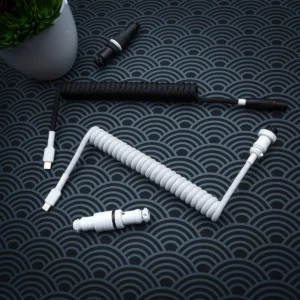
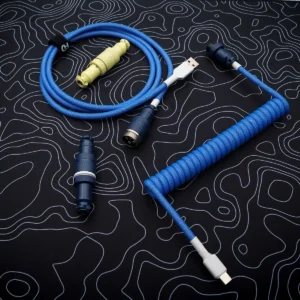
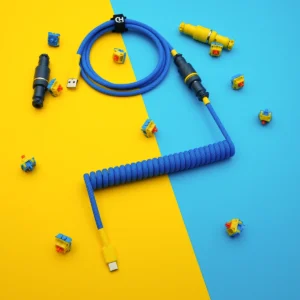
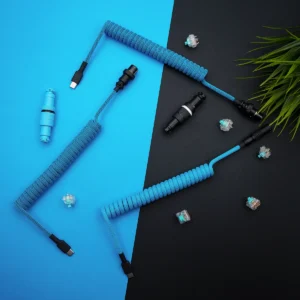
A detachable aviator connector splits the cable in two, so you unplug the keyboard in one move at the connector instead of at its USB-C port. Swapping keyboards is quick, and the keyboard’s port is plugged and unplugged far less often. On the GX16 and GX12 aviators, a screw thread prevents accidental unplugging. The cable also comes without a detachable connector.
GX16, GX12, YC8 or Lemo-like
All four are 4-pin connectors that do the same job; they differ in how they lock, their size and their colors.
| Connector | How it locks | Look and size | Colors |
|---|---|---|---|
| GX16 aviator | Screw thread | Classic aviation look, metal body, the larger of the two aviators | 30+: chrome, Cerakote and satin-gloss powder coat |
| GX12 aviator | Screw thread | The same aviation look, smaller and more discreet | Silver |
| YC8 | Pushes in with a metal-on-metal click | Sleek, modern metal body | Silver |
| Lemo-like | Pushes in and clicks into place | Machined body with clean lines | 8: silver, gold, rose gold, copper, blue, rainbow, black, white |
Questions about coiled keyboard cables
Can I use any USB-C cable for my keyboard?
Any USB-C cable that carries data: a keyboard sends every keystroke to the computer, so it needs data wires, not only power. Every cable I make is a shielded USB 2.0 data cable with 4 cores, USB-C on the keyboard side and USB-A on the computer side.
Which keyboards does a coiled cable fit?
Any keyboard with a USB-C port, on PC and Mac. The keyboard end is USB-C, the computer end USB-A, and the 4-core USB 2.0 cable inside is the standard keyboards use. A device that needs USB 3.0 to be powered needs a different cable.
How long can a keyboard cable be?
Up to 1.8 m is what I recommend for a keyboard: on some RGB keyboards, the lighting can become unstable with a longer cable. The computer side comes in 30 cm, 90 cm, 1.2 m, 1.5 m or 1.8 m.
How is a handmade cable different from a factory one?
It is made for you once you order: you choose the paracord, Techflex, heatshrink, coil and connector, and I assemble, solder and coil it by hand in France, usually in 5 to 7 days. It connects like any good USB 2.0 cable, and the soldering has a one-year warranty.
Why are the coils reverse-coiled?
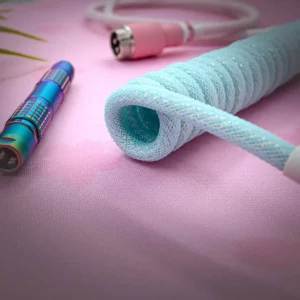
The coil is heat-set, then reverse-coiled: the turns sit tight against each other, so the coil stays firm and keeps its shape over time. Techflex over the paracord makes it firmer still.