


I’m Pierre, and I make every Cables Hero keyboard cable by hand
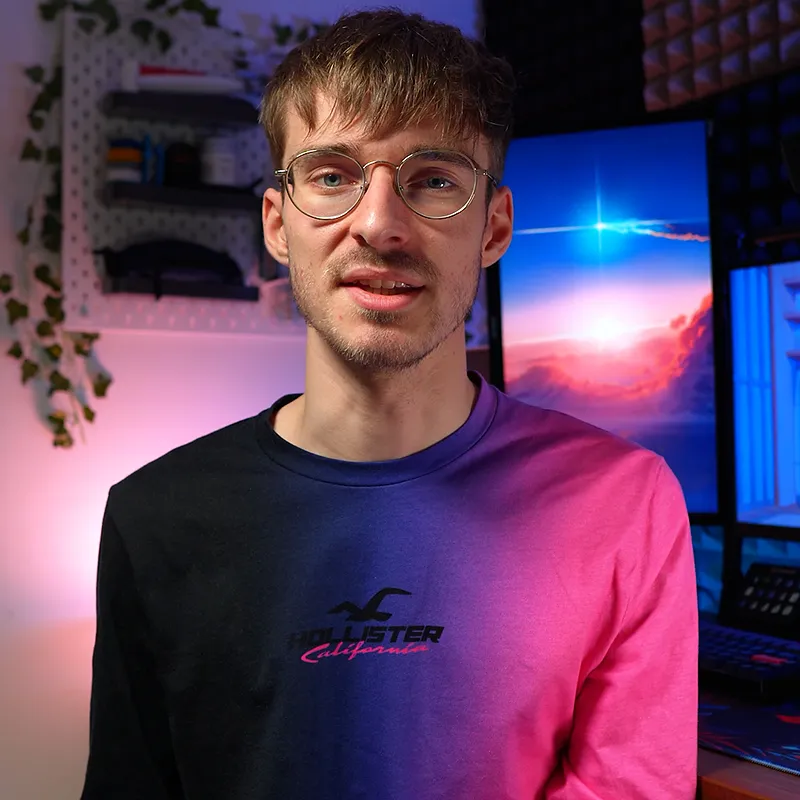
Cables Hero is my small, independent shop for custom keyboard cables. I build each coiled or straight cable to order, one at a time, from the paracord, Techflex, shielded USB wire and connectors I keep in stock. Online I go by Frelahar, on YouTube, Instagram and Discord.
- Handmade in France
- Made to order
- 1-year warranty on the soldering
- 2019Frelahar, my hardware YouTube channel, starts
- Since 2022Keyboard cables made to order on cableshero.com
- 60+Paracord colors to choose from
- 30+GX16 connector colors
From a hardware YouTube channel to keyboard cables
I have loved video games and technology since I was a kid. In 2019 I started Frelahar, my YouTube channel about computer hardware, as a place to be creative.
Custom mechanical keyboards then became my biggest hobby. I like a setup where the keyboard, the keycap set, the deskmat and the cable share one color theme, and a basic cable can spoil a keyboard you spent hours on. So I started making coiled keyboard cables where every color and every part is chosen, and Cables Hero grew from there.
I still make every cable myself, the way I show it in my tutorial video. From the first cut of paracord to the last heatshrink, I check every detail, alignment and finish.
How I make your cable
Your cable is made after you order, in the colors, connectors, coil and lengths you pick. These are the steps I follow; each one links to the moment I do it in my tutorial video.
Sleeve the wire
The shielded USB wire goes into 550 paracord in your color, with Techflex over it if you picked it.
Watch at 5:38Seal the ends
Clear heatshrink at each end grips the wire jacket and fuses the paracord and Techflex, so the sleeve stays in place.
Watch at 6:34Coil, then reverse-coil
Wound tight on a tube and heat-set, then wound the other way and heated again: the coil comes out tighter and keeps its shape longer.
Watch at 8:47Solder the plugs
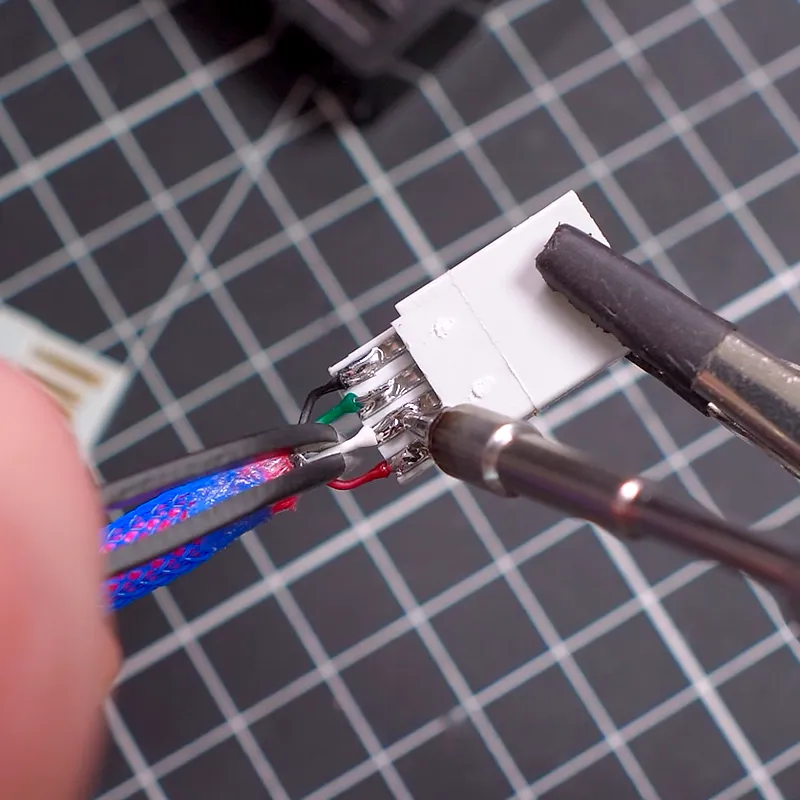
Black to ground, green D+, white D−, red 5 V, in the same order on USB-C and USB-A; pins 1 to 4 red, white, green, black on aviators. My iron sits at 270 °C.
Watch at 16:19Close and finish
Shells closed, joints covered with heatshrink, a dot of glue in the housing, then every detail, alignment and finish checked.
Watch at 17:55
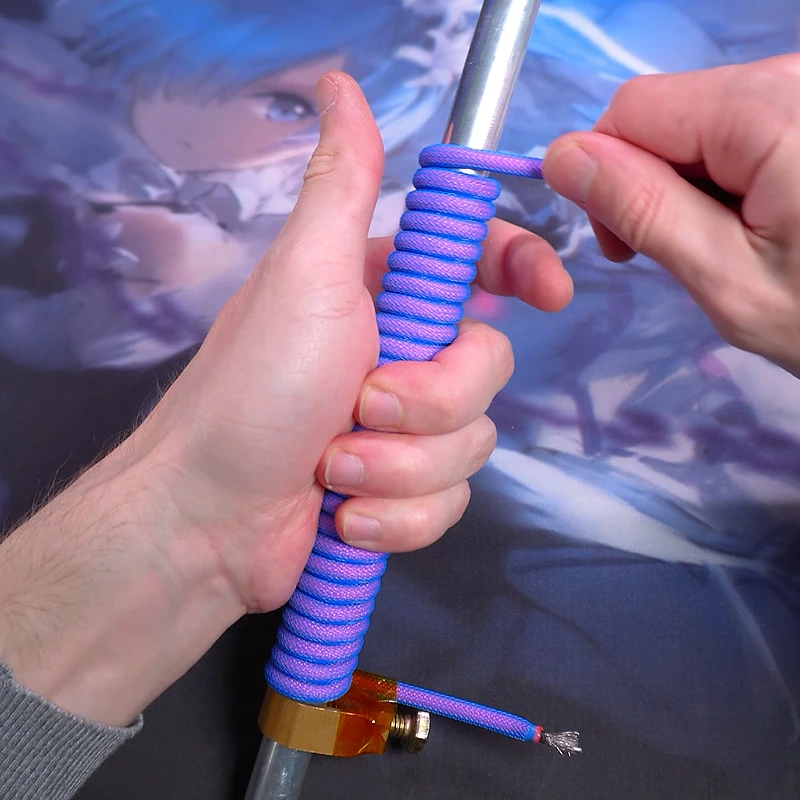
The DIY USB cable kit holds the same parts I use for my own cables: wire, paracord, Techflex and plugs, cut in one piece to the total length you choose, with my step-by-step guide and coil planner on the page.
See the DIY USB cable kitWhat goes into a Cables Hero cable
- Wire
- 4-core shielded USB 2.0 data cable: USB-C on the keyboard side, USB-A on the computer side.
- Sleeve
- Paracord 550 in 60+ colors, with optional Techflex PET over it for a stiffer coil and a color accent.
- Coil
- Heat-set and reverse-coiled; 10, 15, 17 or 20 cm long, in three thicknesses, or a cable with no coil at all.
- Detachable connector
- GX16 and GX12 aviators with a screw thread (30+ GX16 colors), YC8, Lemo-like.
- Length to the computer
- 30 cm, 90 cm, 1.2 m, 1.5 m or 1.8 m. I stop at 1.8 m: on some keyboards (Drop CTRL and ALT, Input Club K‑Type) the RGB lighting does not work well on longer cables.
- Fit
- Any keyboard with a USB-C port, on PC and Mac. The keyboard works exactly as before; a device that needs USB 3.0 needs another cable.
- Warranty
- One year on the soldering.
Every paracord, Techflex and connector color, side by side: the color chart.
Do you need a coiled cable?
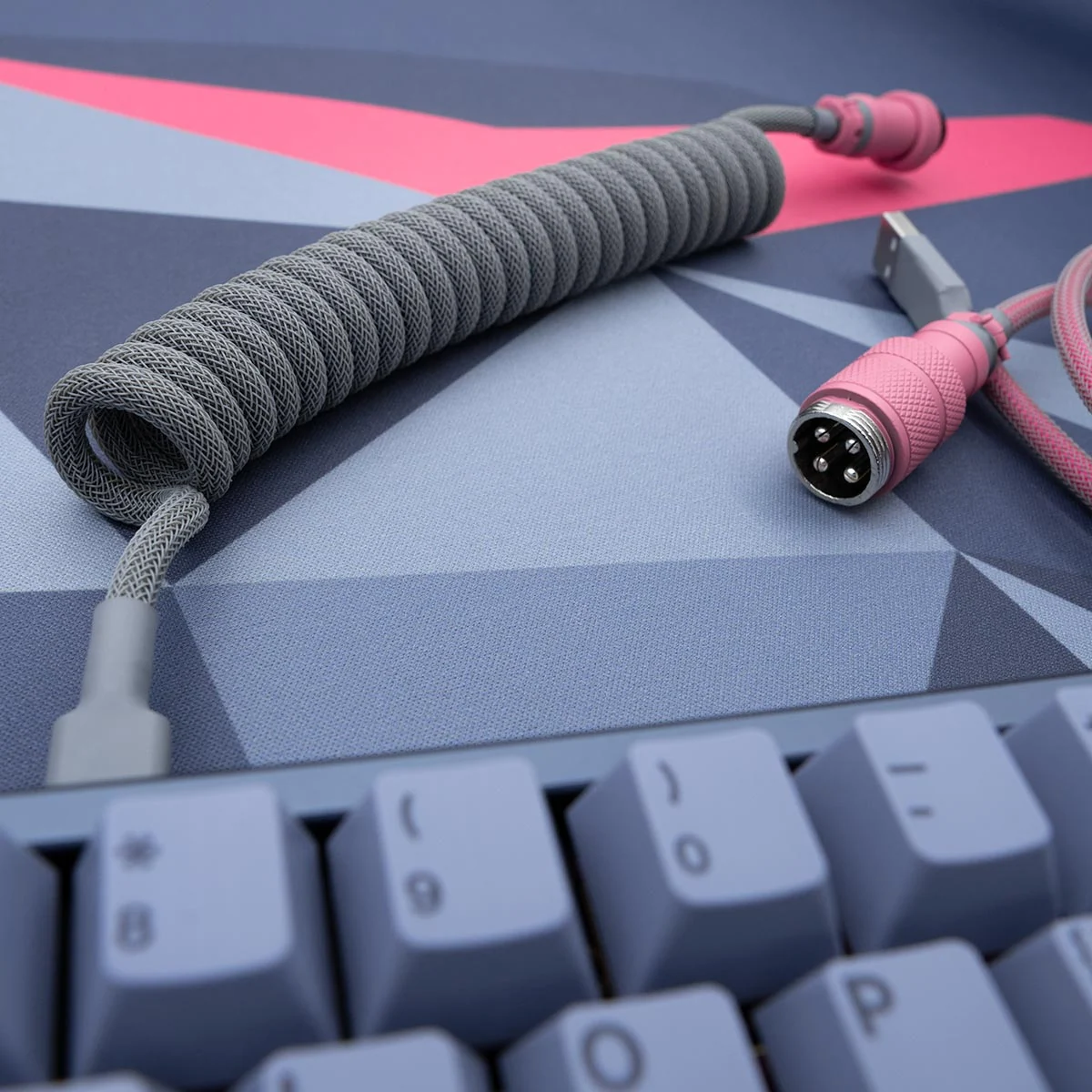
It is a question of looks, and there is no wrong answer: your keyboard works exactly the same either way. A straight cable keeps a clean, minimal setup. A coil puts the cable forward as part of your theme, matched to the keyboard, the keycaps or the deskmat, and keeps the slack gathered in front of the keyboard.
A detachable aviator connector adds one practical thing: you unplug the keyboard in one move at the connector, so its own USB-C port is used less.
Still unsure? Ask me on Discord: I help with color choices before you order.
What buyers say
- ★★★★★
“Absolutely number one choice. The quality is superior. … I have tried other vendors, I will definitely stick with Cables Hero!”
Miklós K. · July 2026 · Straight keyboard cable - ★★★★★
“The final product looks really nice. Thanks for helping with the color choice. Great product and customer service.”
Anonymous · July 2024 · Coiled keyboard cable - ★★★★★
“The quality and look of the cable is amazing! If I ever need another cable, I’ll def get it here. Smooth shopping experience.”
Mel N. · April 2024 · Straight keyboard cable
Watch before you order
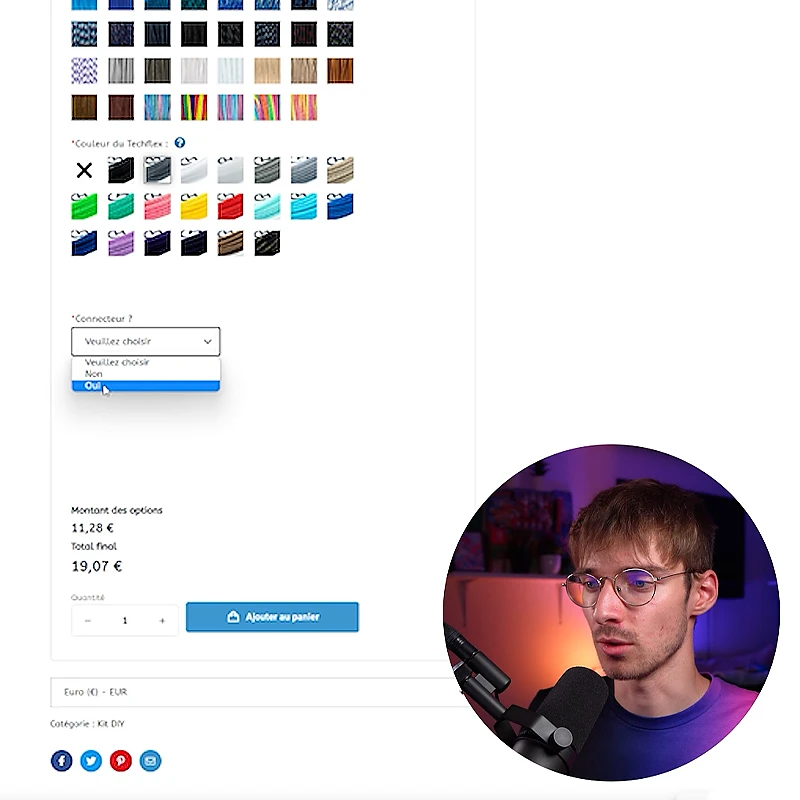
A question before you order?
Ask me directly: a part, a color combination, a connector for your keyboard. The fastest way is a message on Discord.
Explore my keyboard cable collections
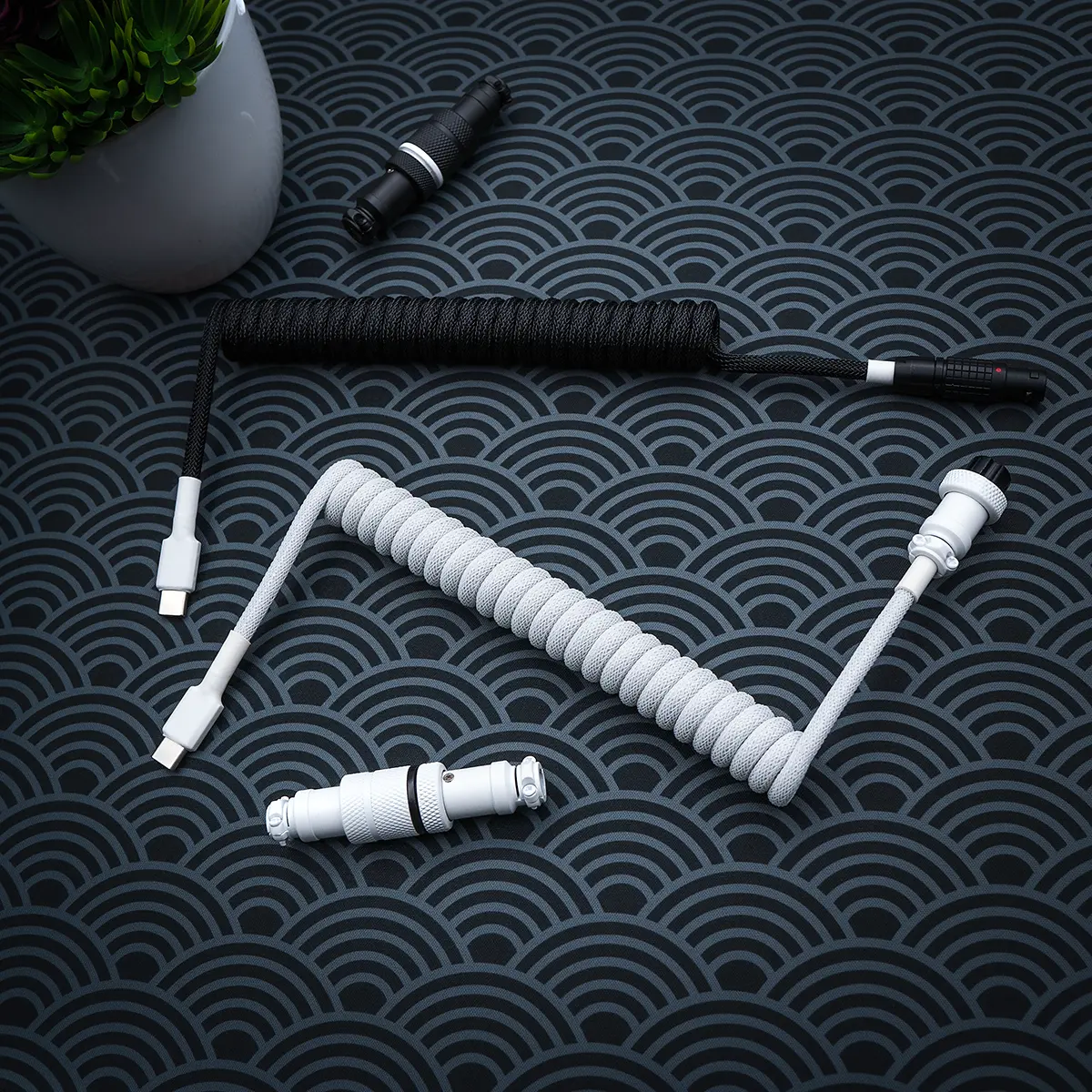
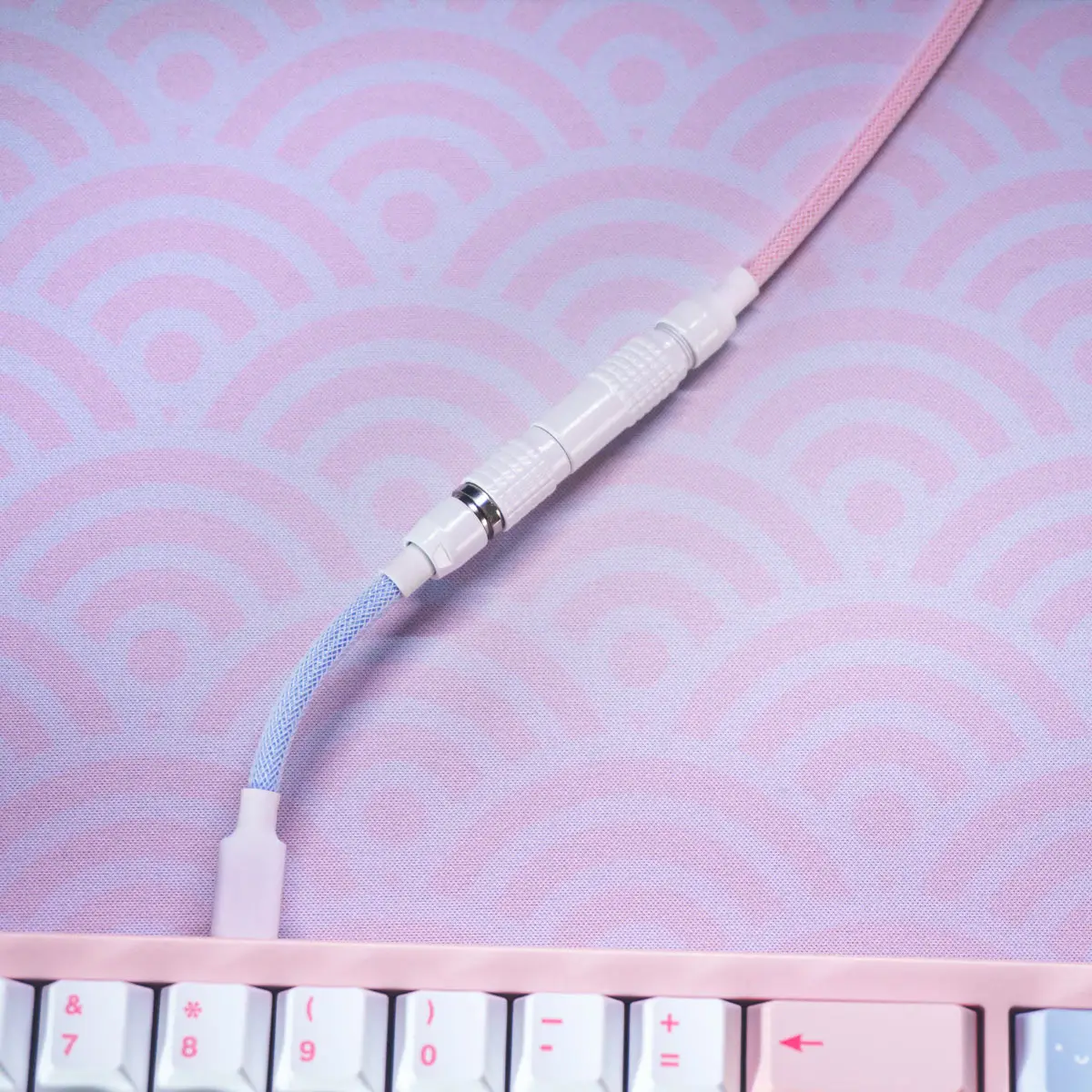
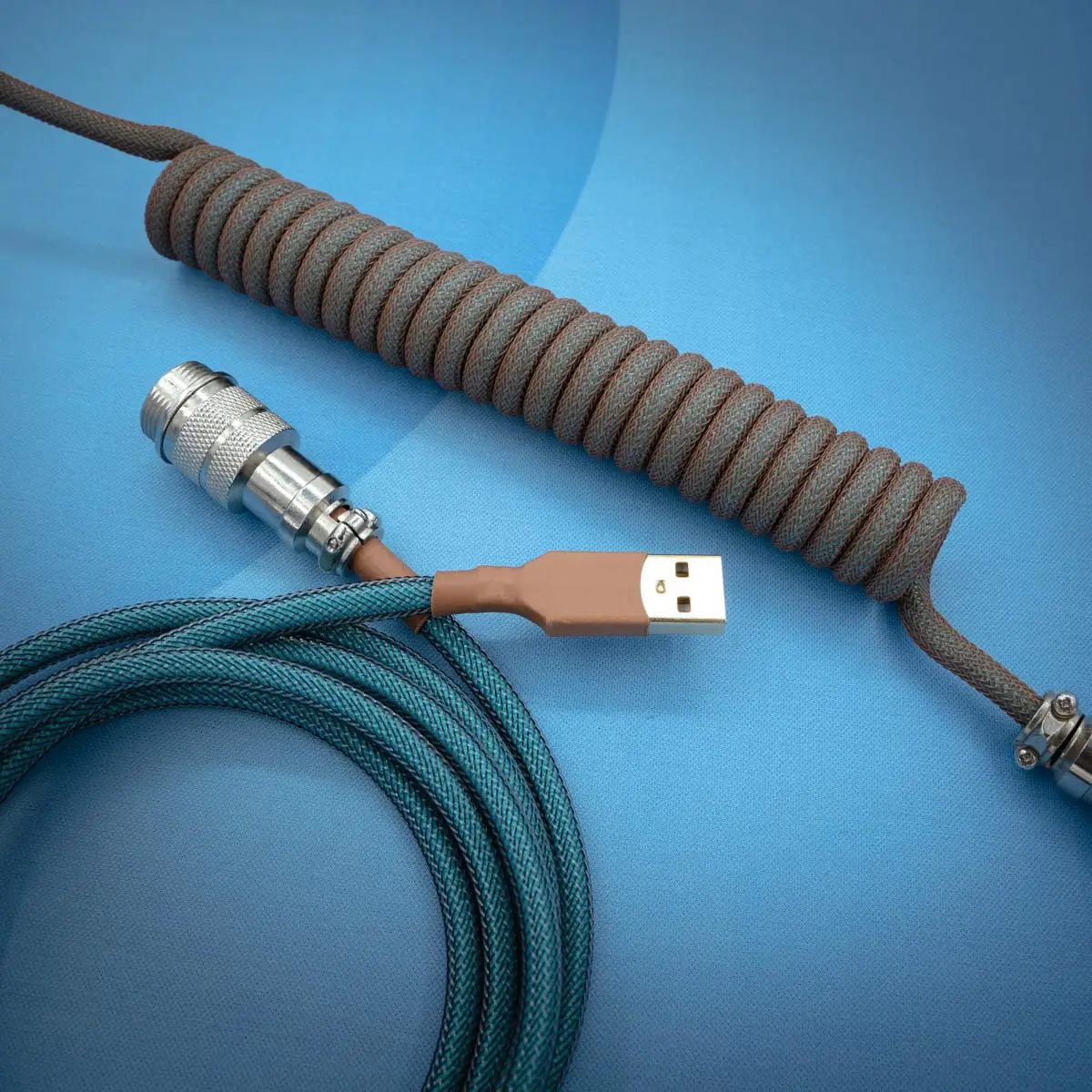
Colorways matched to keycap sets, a cable you configure from the first part to the last, or a finished cable that ships without making time.
Cables Hero is a sole proprietorship registered in France. Company details are in the legal notice.